The government queue system that's live in 15 minutes, not 15 weeks
Citizens join from their phone or a kiosk, wait in their car, and get a text when the window is ready. No RFP, no proprietary hardware, no enterprise contract. Free to start, with transparent flat-rate paid plans.
No credit card required · Free plan included
Nobody should dread going to a government office
Citizens take time off work, drive to the office, take a number, and sit for an hour in a crowded room, often just to be told they need a different form. Your staff absorbs that frustration all day.
Unpredictable wait times erode trust
Citizens don't know if they'll wait 10 minutes or 2 hours. They can't plan their day. The frustration compounds and shows up in public meetings, complaint calls, and satisfaction surveys.
Enterprise vendors charge enterprise prices
Legacy queue systems (Qmatic, Q-nomy, NEMO-Q) require RFPs, hardware installs, and six-figure contracts. A county clerk's office with 2 windows and 50 daily visitors shouldn't need a procurement cycle.
Overcrowded waiting areas
Small offices packed with frustrated citizens waiting on hard chairs. The environment is stressful for the public and demoralizing for staff. Citizens without cars can't wait elsewhere.
Low satisfaction scores with no data to fix them
Citizen complaints about wait times are constant, but without throughput data you can't prove where the bottleneck is. Budget requests for more staff get denied without numbers.
Government queue management by the numbers
$0
to start, no RFP required
Published, transparent pricing with a free plan and flat-rate paid plans. No per-citizen fees, no hardware bundles, no six-figure contracts.
15 min
from signup to live queue
Your first queue is live in 15 minutes, not 15 weeks. No IT deployment, no vendor onboarding, no proprietary hardware to install.
Shorter
perceived waits with live visibility
Citizens who can see their place in line and wait in their car or outside consistently describe the wait as feeling shorter, even when staffing stays the same.
How MakeTheQueue helps government
Mobile and kiosk check-in
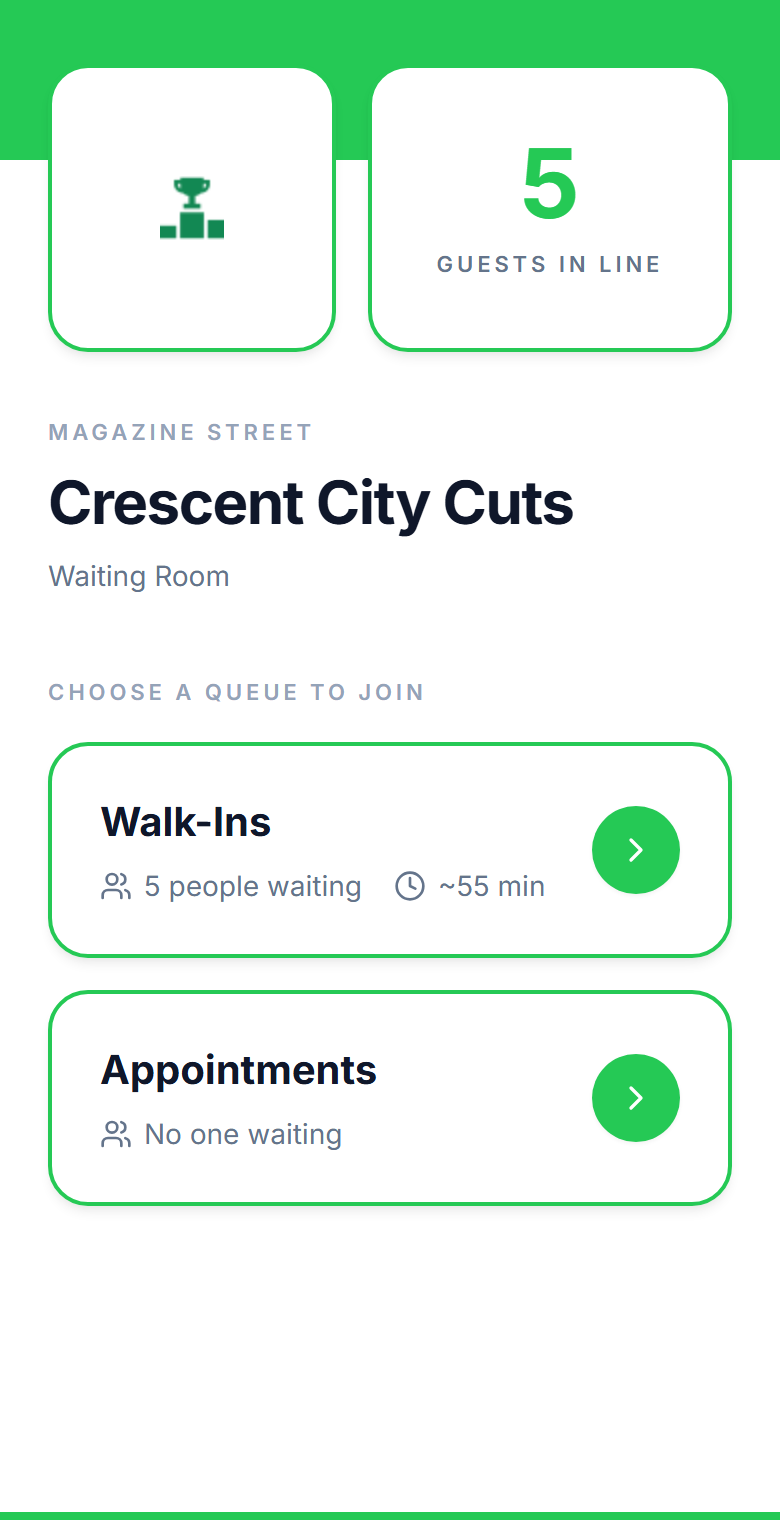
Citizens scan a QR code or use a tablet kiosk at the entrance. Both options, because not everyone has a smartphone. They see their position and estimated wait.
Text when the window is ready
Automatic SMS when it's their turn. Citizens wait in their car, grab lunch, or sit outside instead of packing the waiting room.
Queues per service type
Permits, licenses, records, tax payments: each service gets its own queue. Citizens are routed to the right window from the start. No misdirected visits.
Now-serving display board
Show queue status on screens in the waiting area. Citizens see their number progressing without approaching the counter. Replace the paper ticket system.
Accountability analytics
Track wait times, service times, and throughput by service type, window, and time of day. Export reports for council meetings, budget justifications, and staffing decisions. Included with Business.
Accessible and inclusive
Semantic HTML, keyboard navigation, and screen reader support. Kiosk fallback for citizens without smartphones. Built to serve everyone who walks through the door.
How government offices use MakeTheQueue
DMV and licensing offices
Citizens check in from their phone or a kiosk at the door. They see their position, estimated wait, and which service they're queued for. When the window is ready, they get a text. No more taking a number and sitting for two hours with no visibility. Staff see the queue in real time and know exactly who's next and what they need.

Permit and records offices
Citizens join the queue for the specific service they need: building permits, vital records, tax payments, notarization. They're routed to the right window automatically. Staff see who's waiting for what, citizens don't have to explain their needs twice, and misdirected visits drop to zero.

Multi-location municipal services
Manage queues across city hall, satellite offices, and community centers from one dashboard. Each location has its own queues, branding, and analytics. Administrators compare wait times and throughput across all locations, data that drives staffing and budget decisions at the city level.

Frequently asked questions
Set up a tablet kiosk at the entrance. Citizens who don't have a phone tap to check in and see their position on the waiting room display. Both paths lead to the same queue.
The web interface is built with semantic HTML, keyboard navigation, and screen reader support. The kiosk mode works on any tablet with adjustable font sizes. We're committed to serving all citizens.
Yes. Share the queue link on your website. Citizens join from home and see their estimated wait time so they can time their drive. When their turn approaches, they get a text.
Create separate queues for each service type: permits, licenses, records, payments. Citizens select their service when they check in and get routed automatically.
Yes. The analytics dashboard, included on every paid plan, tracks wait times, service times, and throughput by service type, window, and time of day. CSV export comes with the Business plan. Use it for council reports, budget justifications, and staffing decisions.
All pricing is published on our site, so there's nothing to request through a vendor just to see a number. The Free plan is free forever, and paid plans are flat monthly rates that include analytics, with CSV exports and multi-location support on Business. A Custom tier covers larger agencies, and every new account starts with a free trial of the Business plan. Current rates are on the pricing page.
No. MakeTheQueue runs in any web browser. Use existing tablets for kiosks and any TV with a browser for displays. No ticket printers, no proprietary kiosks, no hardware vendor.
Yes. Contact us and we'll send a W-9 immediately. We also support annual billing and PO-based purchasing for government offices.
See also: Queue Management Software, Digital Waitlist, and how we compare to other tools.
Simple pricing. Start free, upgrade when you need more.
Start on Starter with every core feature from day one, or pick Business for analytics, exports, and multi-location. Full Business trial on every new account.
Start Free Trial