Event queues without the badge pickup line
MakeTheQueue is not a registration or ticketing platform. It runs the lines: attendees scan a QR code to join the registration desk, a full session, a demo booth, or a food station, then get a text when it is their turn. One dashboard manages every queue at your event.
No credit card required. Free plan that stays free.
Long event lines kill the energy
Attendees show up excited, then spend the first half hour in a badge pickup line. By the time they get through, they have missed the opening keynote and the momentum is gone.
Badge pickup is the worst first impression
Everyone arrives in the same 30-minute window. Your registration desk has four staff and two hundred people in line. The event has not started and attendees are already frustrated.
Popular sessions overflow with no fallback
Attendees line up early for popular talks and miss other sessions. There is no way to hold a spot and browse. When a session fills up, there is no waitlist; people just leave.
Exhibitors lose leads to booth lines
Demo booths draw crowds, but nobody wants to stand in a 15-minute line. Potential leads walk past, visit fewer booths, and exhibitors get fewer conversations, which hurts your sponsor value.
No flow data for next year's planning
You do not know where bottlenecks formed, which sessions were oversubscribed, or which booths had the longest waits. Next year's layout and schedule are based on guesses.
Can attendees join a queue without downloading an app?
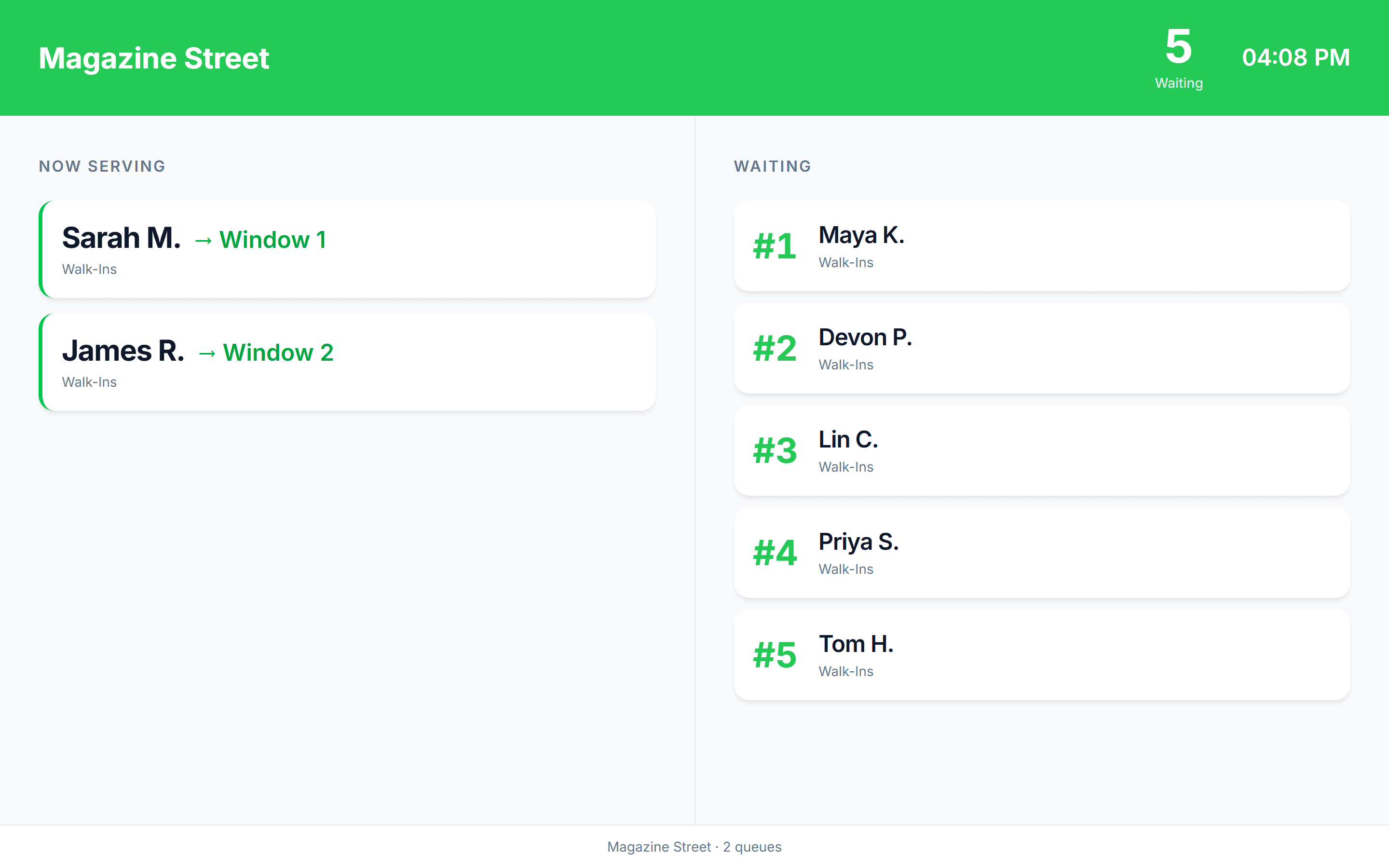
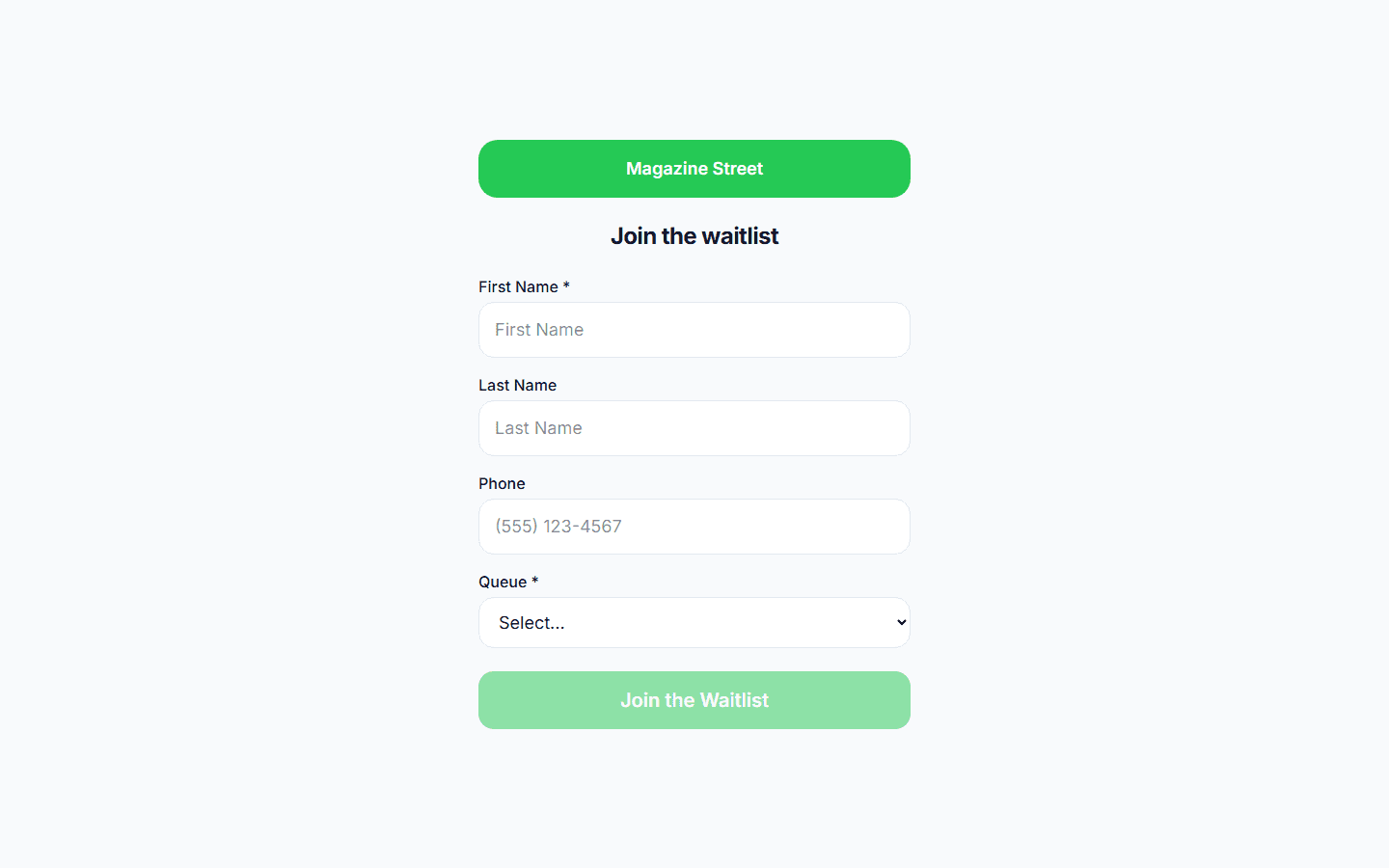
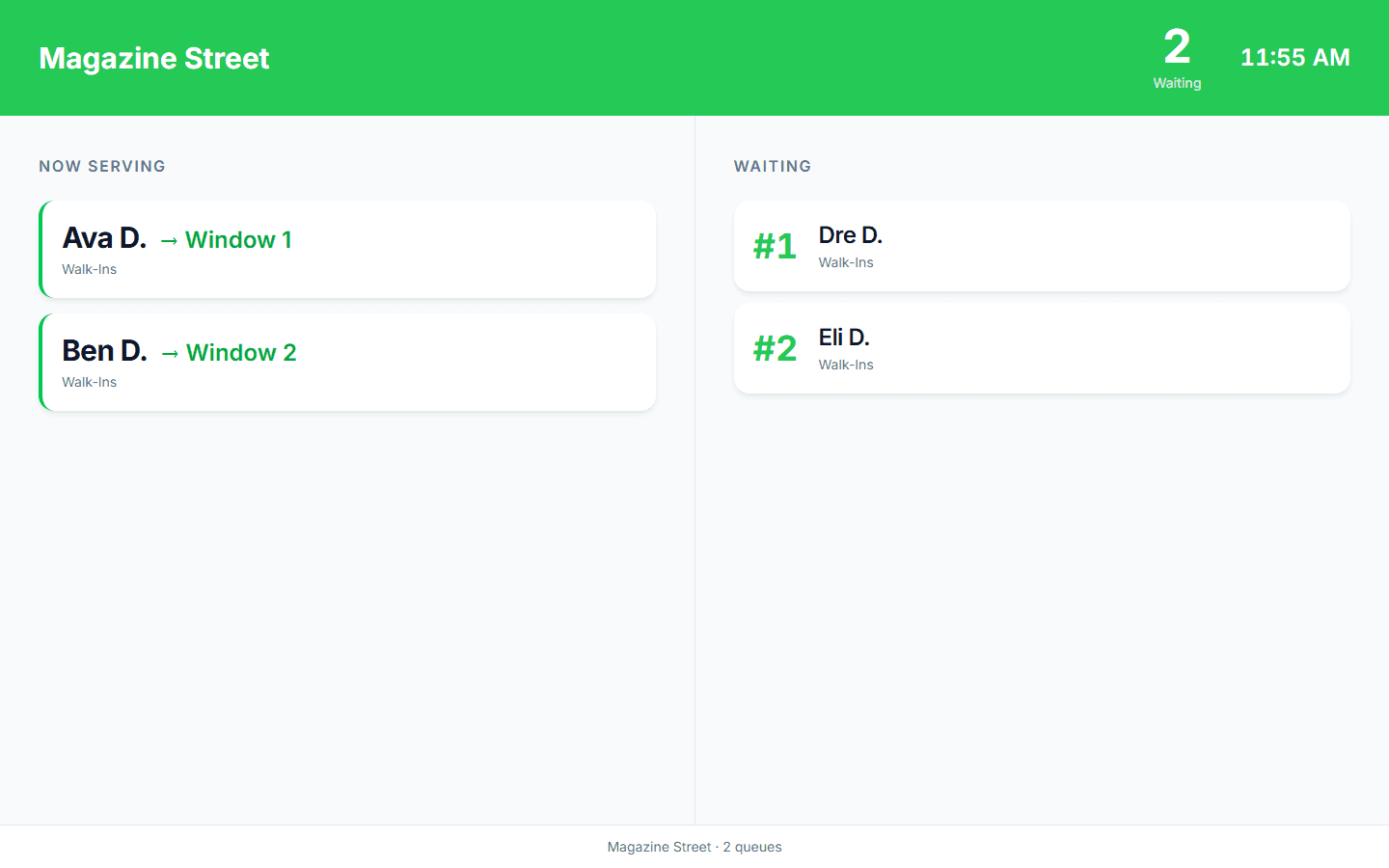
Yes. With MakeTheQueue an attendee scans the QR code on the signage or their badge and a join page opens in the phone's browser: name, mobile number, done. They get a live status page with their place in line and a text when it is their turn. There is no app store, no account, and nothing to install on venue wifi, which is exactly where an install step loses people. Staff run every queue from a browser dashboard, and any screen at the venue can show the now-serving board.
Why attendee flow matters
1 scan
to join any queue at your event
Attendees scan a QR code at registration, a session room, or a demo booth and they are in. No staffed line, no app, no account.
Free
to start, with flat monthly paid plans
Full event management platforms are priced for the whole event lifecycle. MakeTheQueue does one thing, the lines, and its paid plans are one flat monthly price with unlimited queues.
0
app downloads required
Attendees scan a QR code and join the queue in their browser. No app to download, no account to create, no friction at the door.
How MakeTheQueue helps events
QR code queue join
Print a QR code for each queue: registration desk, session rooms, demo booths. Attendees scan to join from their phone in seconds.
Text notifications
Automatic text when it is their turn, and they can reply for more time. Attendees explore the venue, network, or grab food instead of standing in a line watching the clock.
Unlimited queues per event
Registration, breakout sessions, demo booths, food stations, VIP check-in: each gets its own queue. Manage them all from one dashboard on the paid plans.
Live display boards
Show who is being called on screens throughout the venue. Attendees see wait times at a glance and decide where to go next without anyone on a microphone.
Attendee flow analytics
Queue lengths, wait times, and throughput per station, by hour and by day. Plan next year's layout, staffing, and schedule with real numbers. Analytics come with the paid plans; CSV export with Business.
Self-service check-in kiosks
Set up tablets as check-in stations at every entry point. Attendees tap to join, so you need fewer staff at the registration desk.
How events use MakeTheQueue
Conference registration and badge pickup
Set up QR codes and a tablet kiosk at the entrance. Attendees join the registration queue and explore the venue, visit sponsors, or grab coffee while they wait. When a desk is free, they get a text. Badge pickup becomes a quick stop instead of a long stand in line, and your staff processes people faster without the crowd pressure.
Demo booth and exhibitor queues
Popular booths always draw crowds, but lines drive away potential leads. Instead of a messy queue, attendees scan a booth's QR code to hold their spot and keep exploring the floor. They get a text when the booth is ready. Exhibitors get more conversations, sponsors see higher booth traffic, and attendees visit more of the event.

Session overflow waitlists
When a popular session fills to capacity, attendees join the waitlist instead of standing outside the door hoping. If someone leaves early, the next person on the list gets a text, and the board outside the room shows who is being called. No wasted seats, no disappointed attendees camping the hallway, and you get data on which sessions need bigger rooms next year.
Frequently asked questions
No. Those are registration and ticketing platforms. MakeTheQueue runs the lines on the day: the registration desk, full sessions, demo booths, food stations. Keep your event platform for tickets and attendee lists, and use MakeTheQueue for the on-site flow.
Unlimited on the paid plans. Create separate queues for registration, each session room, every demo booth, food stations, VIP areas, whatever you need. All managed from one dashboard, with a QR code per queue.
Yes. An attendee can be in the registration queue and a session waitlist at the same time. Each queue is independent and texts them separately.
Yes. Queues persist across days and you get analytics broken down by day and hour. Set up once, use all weekend.
The analytics dashboard shows queue lengths, wait times, and throughput for every queue, broken down by time. Export the data as CSV on the Business tier to plan next year's layout, staffing, and schedule.
Attendees join over their own mobile data, so a weak venue network does not stop them. Staff dashboards and display boards need a connection; a phone hotspot for the registration tablet is the usual backup.
See also
- QR code queue system, one code per queue, printed on signage or badges
- Digital take-a-number system, the kiosk plus now-serving display combination
- Speeding up event registration lines, the desk math
- MakeTheQueue vs NextMe, the event-focused alternative
Simple pricing. Start free, upgrade when you need more.
Start free and upgrade when you need texts, appointments, or more locations. Every new account includes a full Business trial.
Start free