The salon waitlist app for walk-ins between appointments
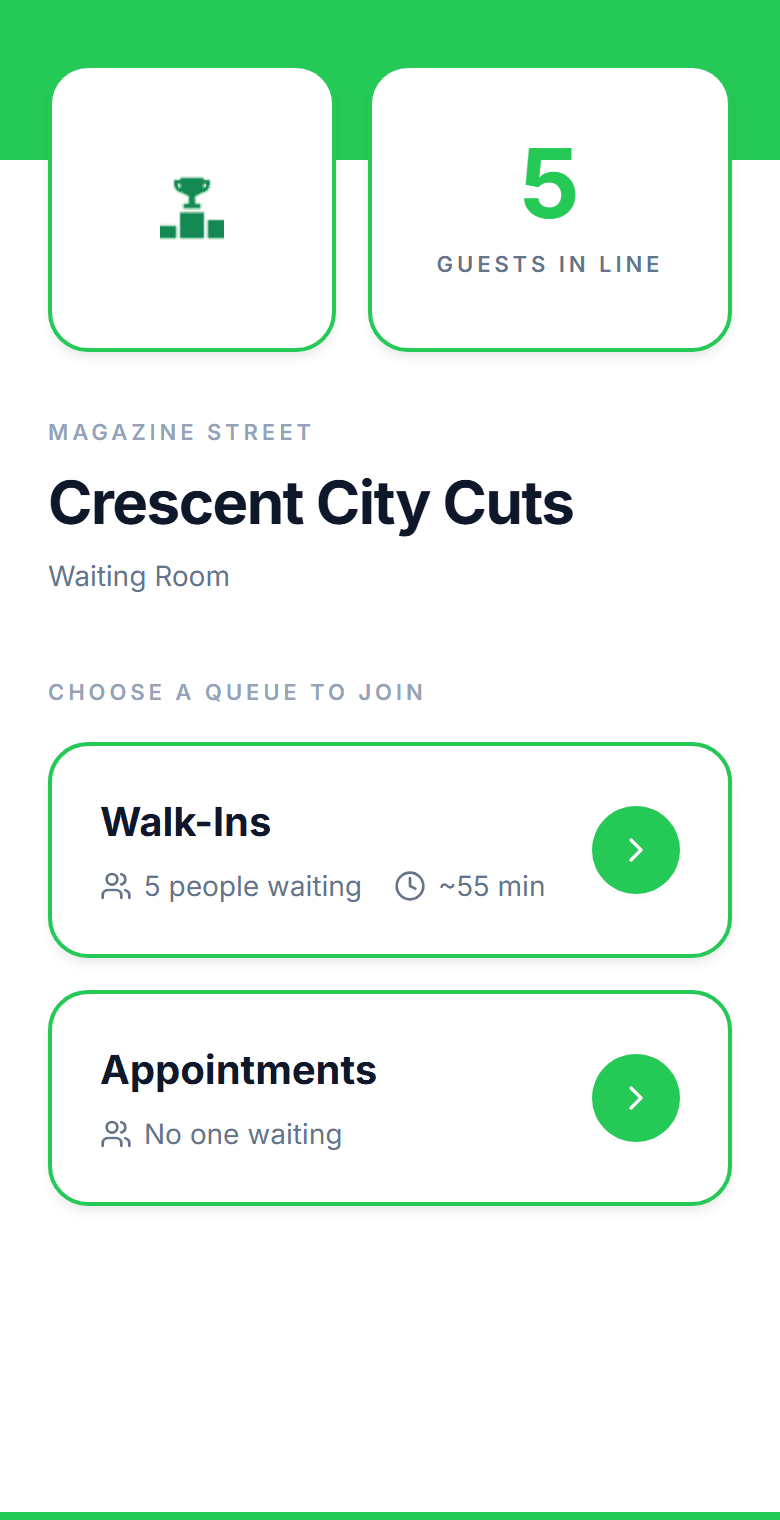
Walk-ins scan a QR code at the door, choose a service or stylist, and see a live estimate that accounts for the bookings already on the books. They run an errand instead of hovering at the desk, and get a text when the chair is free.
No credit card required. Free plan that stays free.
The front desk should not be a negotiation
A walk-in asks for a color while a booked client is ten minutes late and two stylists are mid-service. Someone gets a guess for a wait, someone gets turned away, and the desk has no idea which was the right call.
Waits that depend on the service
A polish change, a full set, a cut, and a color are wildly different visits. Quoting one shop-wide wait means the walk-in for a trim leaves and the walk-in for a color waits twice as long as promised.
Walk-ins collide with the appointment book
The book says a stylist is free at three. The walk-in was told fifteen minutes at two-thirty. Now both clients are in the chair area and one of them is not happy.
Stylist requests with no system
Regulars want their stylist. Without a way to capture that at check-in, the desk seats them with whoever is free and loses the loyalty that keeps the book full.
A crowded reception area
Every waiting client sits in reception because leaving means losing the spot. The room feels chaotic to the client in the chair and to the one who just walked in.
Can walk-ins and stylist requests share one waitlist?
Yes. In MakeTheQueue each service (or each stylist, set up as a service with their own typical durations) carries its own estimate, so a walk-in who picks a specific stylist for a cut is quoted the wait for that stylist's chair, not a salon-wide average. Booked clients check in on arrival and take their slot in the same list, and the estimate divides across the stylists actually working. The walk-in queue, the kiosk, and the reception display run on the Free plan; texts and online booking come with the flat monthly paid plans.
What changes when walk-ins join from their phone
Per service
wait estimates, not one salon-wide guess
A trim and a color carry different durations. The estimate adds up the services ahead and divides by the stylists working.
$0
hardware to get started
Clients use their own phones. The desk uses any browser, a spare tablet becomes the kiosk, and any TV becomes the reception display.
Under 15 min
to a QR code at the door
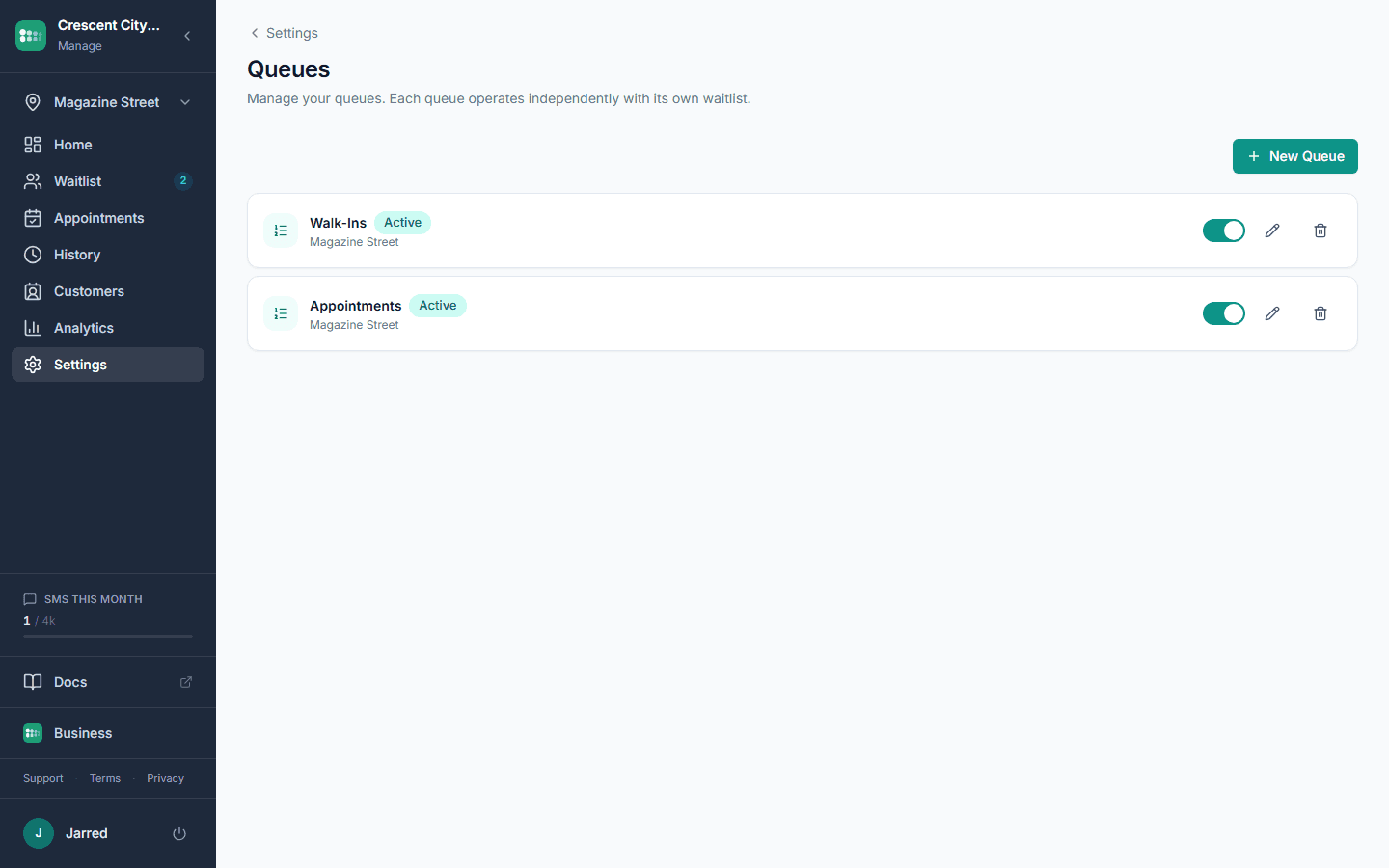
Create the queue, add your services with their durations, print the code. You are taking walk-ins digitally before the next client arrives.
How MakeTheQueue helps salons
QR code check-in at the door
Clients scan to join from their phone, pick a service or stylist, and see their live position. Nothing to download and no account to create.
Services with real durations
Cut, color, blowout, gel, full set: each service has its own estimated time, so the quote a walk-in sees reflects what is actually ahead of them.
Online booking and walk-ins in one list
Clients book online, check in when they arrive, and sit in the same queue as the walk-ins. The desk sees one list and the estimate accounts for both.
Text when the chair is free
An automatic text when it is their turn. Clients reply if they are running late or need to cancel, and the desk can message them back. Two-way texting on paid plans.
Reception display
A TV in reception shows who is next and the estimated wait, by first name and last initial, so nobody has to ask the desk.
Your brand on every screen
Logo and colors on the check-in page, the kiosk, and the display. White labeling on the Business tier removes MakeTheQueue branding entirely.
How salons use MakeTheQueue
Walk-ins between appointments
A client walks in for a trim on a Saturday. They scan the code at the door, pick the service, and see that the next opening is in twenty minutes. They go for a coffee and get a text when a stylist is ready. The desk never had to guess, and the client never had to hover.
Stylist requests without a spreadsheet
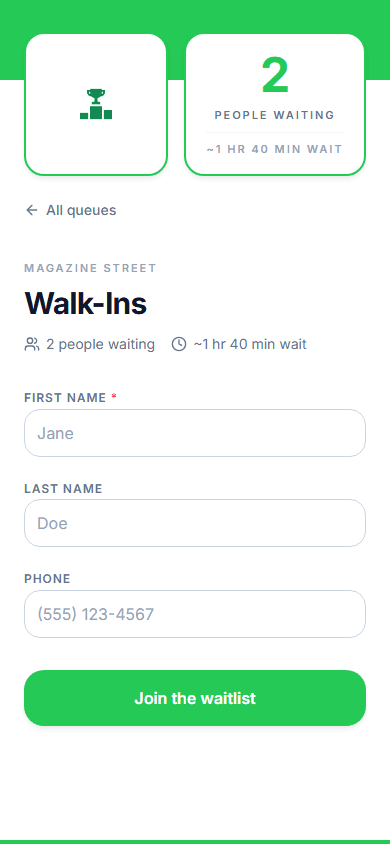
Set each stylist up as a service with their own typical durations, or add a stylist field to the check-in form. Regulars pick their person when they join, and the wait they see is for that chair. The desk sees the request next to every name.
Kiosk at the desk, display in reception
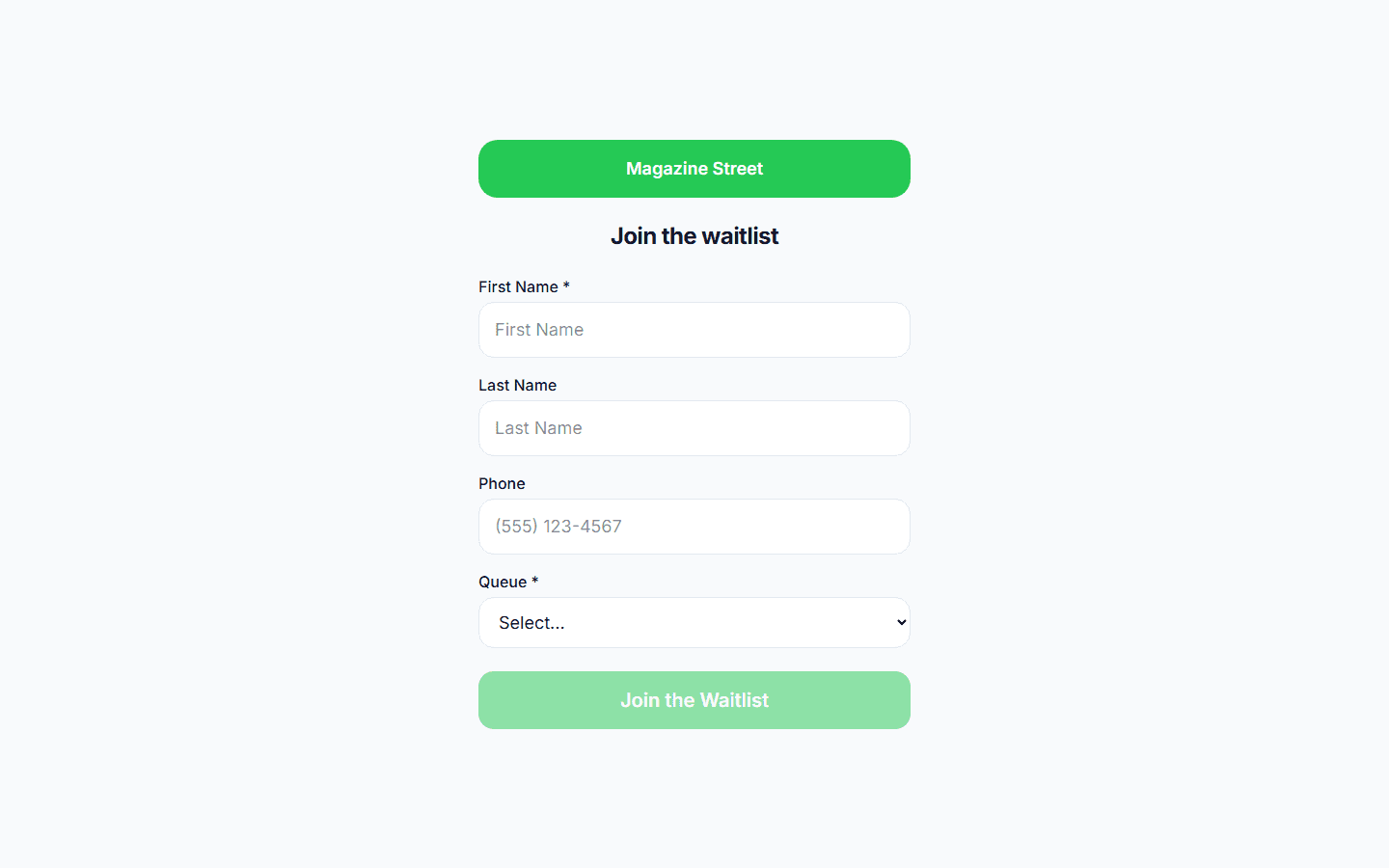
A spare tablet in kiosk mode takes check-ins when the desk is busy, and resets itself between clients. A TV in reception shows who is being called and who is next, so the room stays calm and nobody asks how long.
Related reading
How to manage walk-ins at your barbershop
The math behind empty chairs, preferred-barber routing, service-aware wait quotes, and a check-in flow that keeps walk-ins from walking out.
Problem & SolutionSeven ways to reduce customer wait times without more staff
Seven ways to cut customer wait times and walkouts: queue psychology, virtual queuing, text updates, and smarter staffing. Most cost nothing.
Frequently asked questions
Yes. Set each stylist up as a service with their own durations, or add a stylist field to the check-in form. The client picks when they join, the desk sees the request next to their name, and the wait estimate follows that stylist's chair.
Every service carries its own estimated duration. When a client picks a service, the queue adds up the services ahead of them and divides by the technicians currently working, so a polish change and a full set are never quoted the same wait.
Those are booking platforms: they fill the appointment book. MakeTheQueue runs the walk-in line and puts it on the same screen as the bookings, which is the part booking tools leave to the front desk. Many salons use a booking tool for advance appointments and MakeTheQueue for the walk-ins and the reception display.
The text asks them to reply if they need more time. If they do not respond or show up, the desk marks them as a no-show with one tap and the next client moves up. The chair does not sit empty waiting.
A short form (name, mobile number, the service or stylist they want), then a live status page with their position and estimated wait that updates as the queue moves. They can leave the line from that page, and they get a text when it is their turn.
No. The desk uses any phone, tablet, or laptop with a browser. A spare tablet becomes the kiosk and any TV with a browser becomes the reception display. Clients use their own phones.
See also
- Barbershop waitlist app, the same queue for walk-in barbershops
- QR code queue system, where to post the code and what clients see
- Waitlist app vs reservation app, why you may need both
- Wait time calculator, how many chairs your Saturday needs
Simple pricing. Start free, upgrade when you need more.
Start free and upgrade when you need texts, appointments, or more locations. Every new account includes a full Business trial.
Start free