The restaurant waitlist app that fills every table and ends walkouts
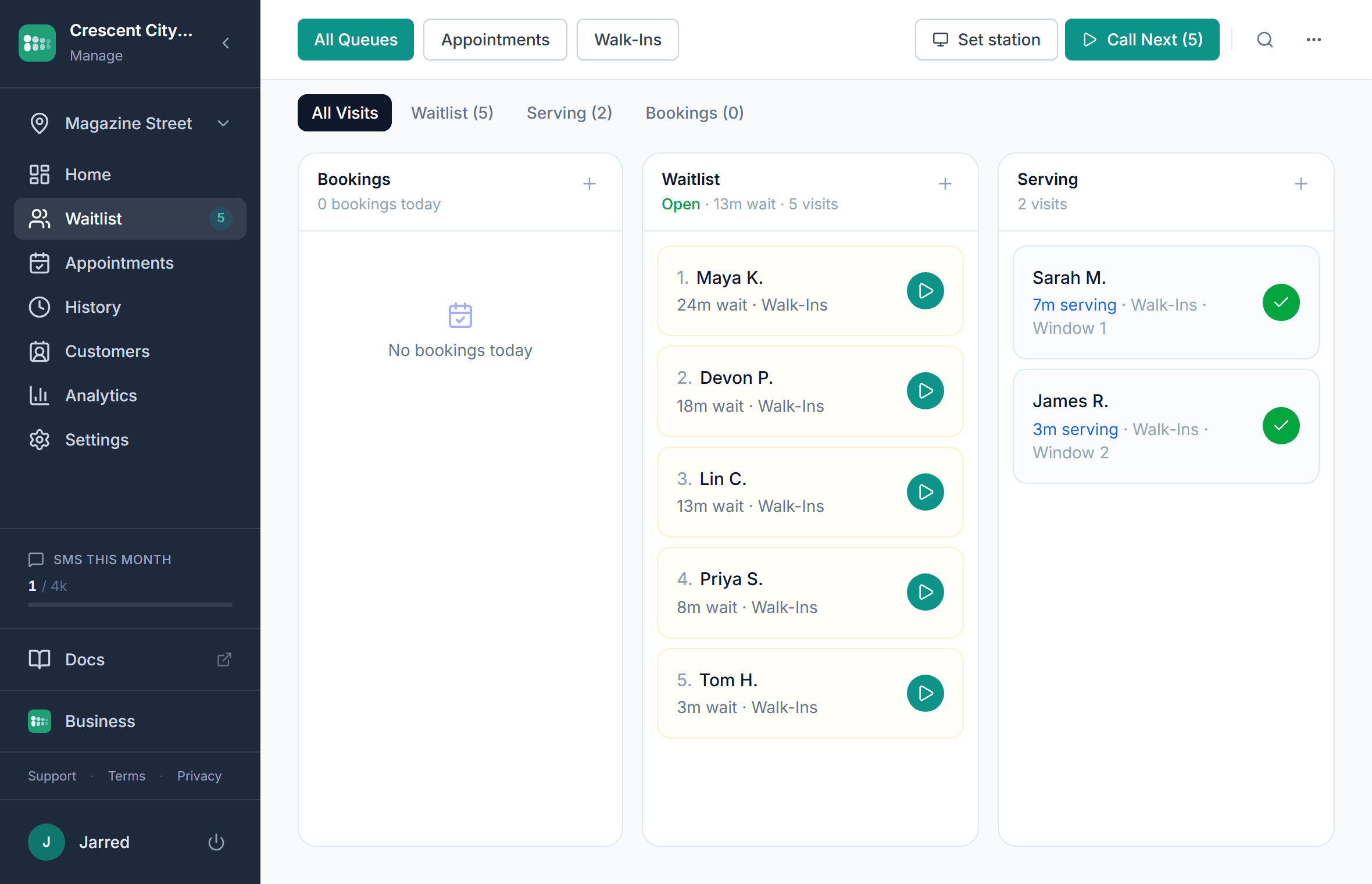
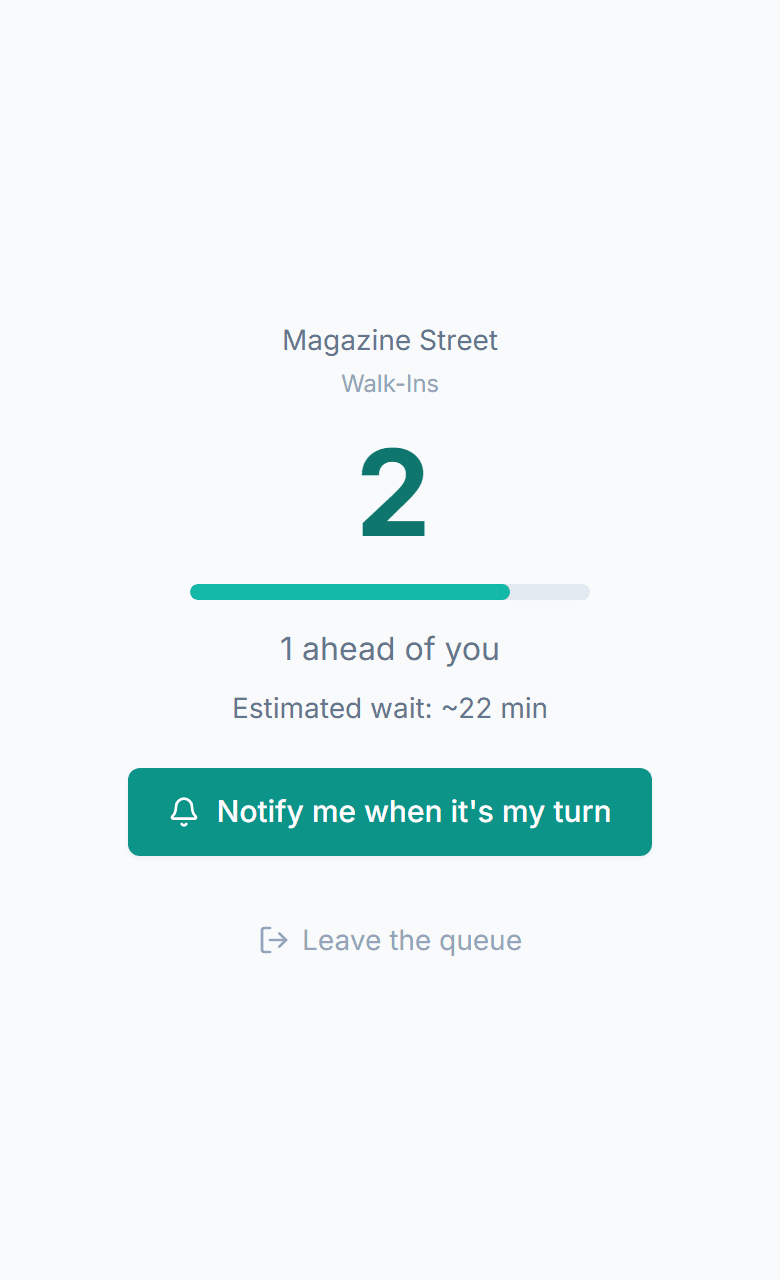
Replace the clipboard with a digital waitlist. Guests scan a QR code to join, see their place in line on their phone, and get a text when their table is ready. Nothing to download, no crowded lobby, and the host runs the whole floor from one screen.
No credit card required. Free plan that stays free.
The dinner rush should not be a guessing game
Between the lunch rush and the Friday night crowd, managing who is waiting and who is next is chaos. Your host is juggling too many things at once, and every lost party is a lost cover.
Walkouts you never see
Guests glance at a packed entrance and leave before putting their name in. You lose revenue you will never know about, with no count of how many parties gave up at the door.
No-shows waste empty tables
Guests put their name in, leave to browse nearby, and forget to come back. Without an automatic text, a no-show means an empty table during your busiest window.
Wait estimates that are always wrong
The host guesses "about 20 minutes" and it takes 45. Guests leave angry and write a bad review. Without data on how long tables actually turn, every quote is a guess.
Hosts overwhelmed at the stand
Paper lists, shouting names across the dining room, juggling walk-ins and reservations on the same clipboard. Your host is doing three jobs at once when it matters most.
Is there a free waitlist app for restaurants?
Yes. MakeTheQueue's Free plan runs a restaurant waitlist at one location with no time limit and no credit card. Guests join by QR code, watch their place in line on their phone, and get an email when their table is ready, while the host works the list from any browser, tablet kiosk, or lobby TV. Table-ready text messages, online reservations, and analytics come with the flat monthly paid plans, and every new account starts with a full trial of those features.
What a digital waitlist changes at the host stand
$0
hardware to get started
No pagers, no ticket printers, no proprietary tablets. Guests use their own phones and your host uses any device with a browser.
1 text
brings guests back when the table is ready
Guests who leave to browse nearby get an automatic text when it is their turn, and can reply if they are running late. If they do not show, one tap marks the no-show and moves the next party up.
Under 15 min
to a QR code on the host stand
Create your restaurant's digital waitlist, print the QR code, and start seating smarter. No hardware, no contracts, no training.
How MakeTheQueue helps restaurants
QR code waitlist
Post a QR code at the door. Guests scan to join, enter their party size, and see their live position. Nothing to download.
Text when the table is ready
Automatic text when it is their turn. Guests can reply to confirm, ask for more time, or cancel, and the host can message them back. Two-way texting on paid plans.
Reservations and walk-ins in one queue
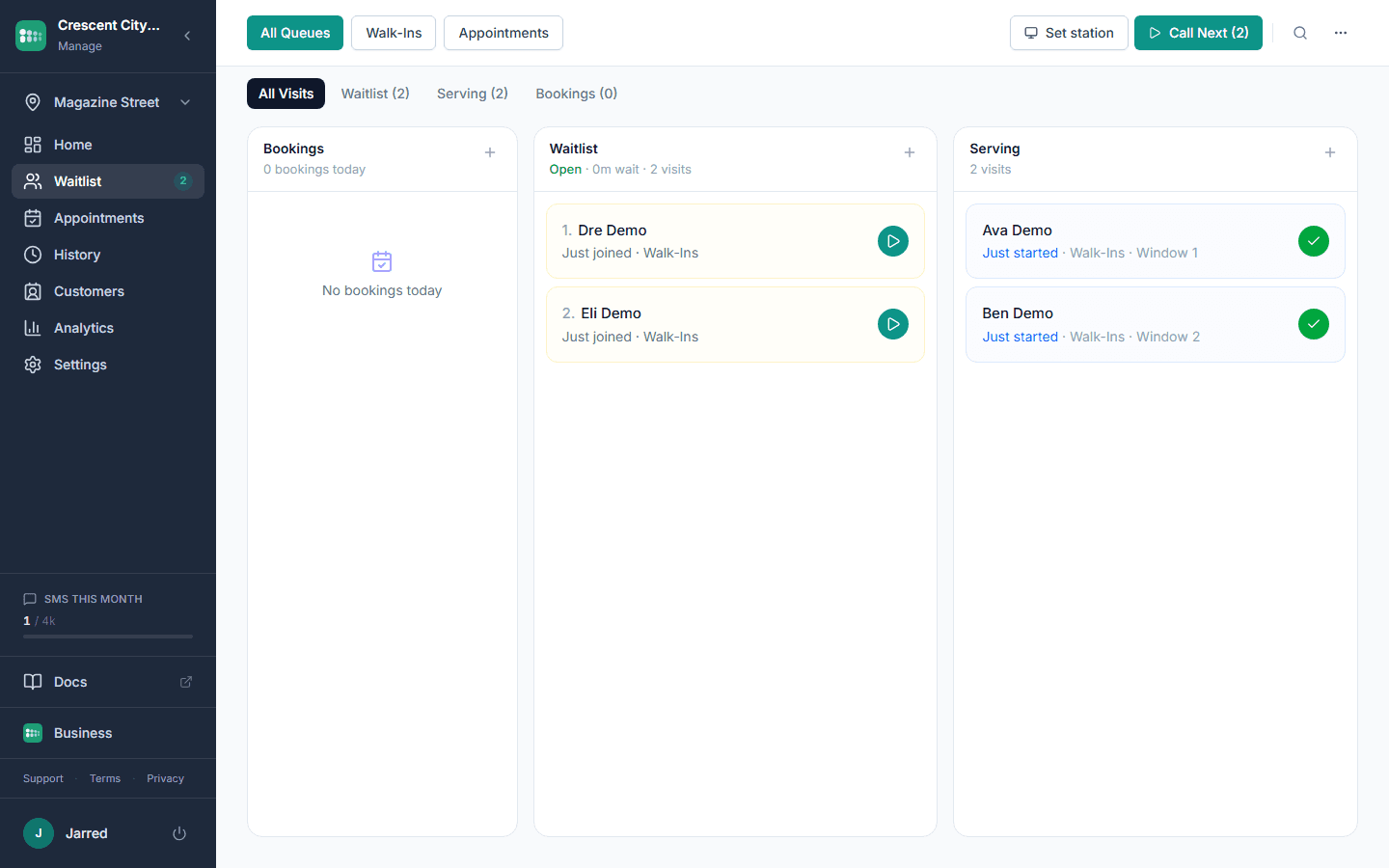
Online reservations and walk-ins flow into a single list. No double-booking, no switching between systems, no confusion for the host.
Lobby display board
Show the live waitlist on any TV. Guests see their position and estimated wait without flagging down the host.
Peak hour and cover analytics
See busiest hours, average wait times, and covers served. Use real data to staff smarter and turn tables faster. Analytics come with the paid plans.
Multi-location dashboard
Manage every location from one login. Separate queues, separate branding, one view across all your venues on the Business tier.
How restaurants use MakeTheQueue
Waitlist management during the dinner rush
Post a QR code at the door. Guests scan to join your waitlist and see their live position on their phone. They browse nearby shops or grab a drink at the bar instead of crowding the lobby. When their table is ready, they get an automatic text. No shouting names, no lost parties, no clipboard.
Reservations and walk-ins in one list
Guests book online and check in when they arrive. Walk-ins join the same queue. Your host sees one unified list: no switching between systems, no double-bookings, no confusion during the Friday night rush. The wait estimate accounts for both.
Self check-in kiosk at the entrance
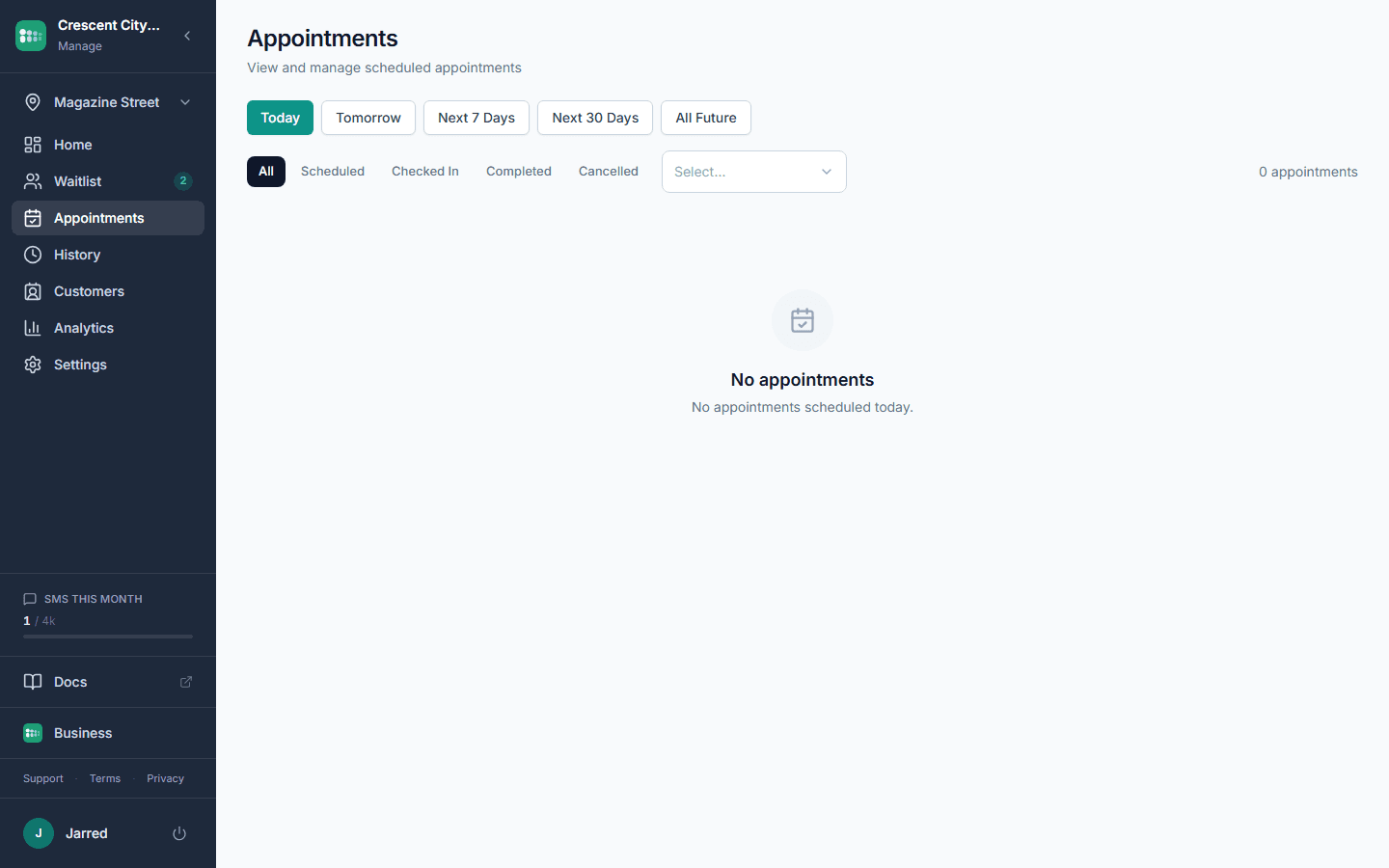
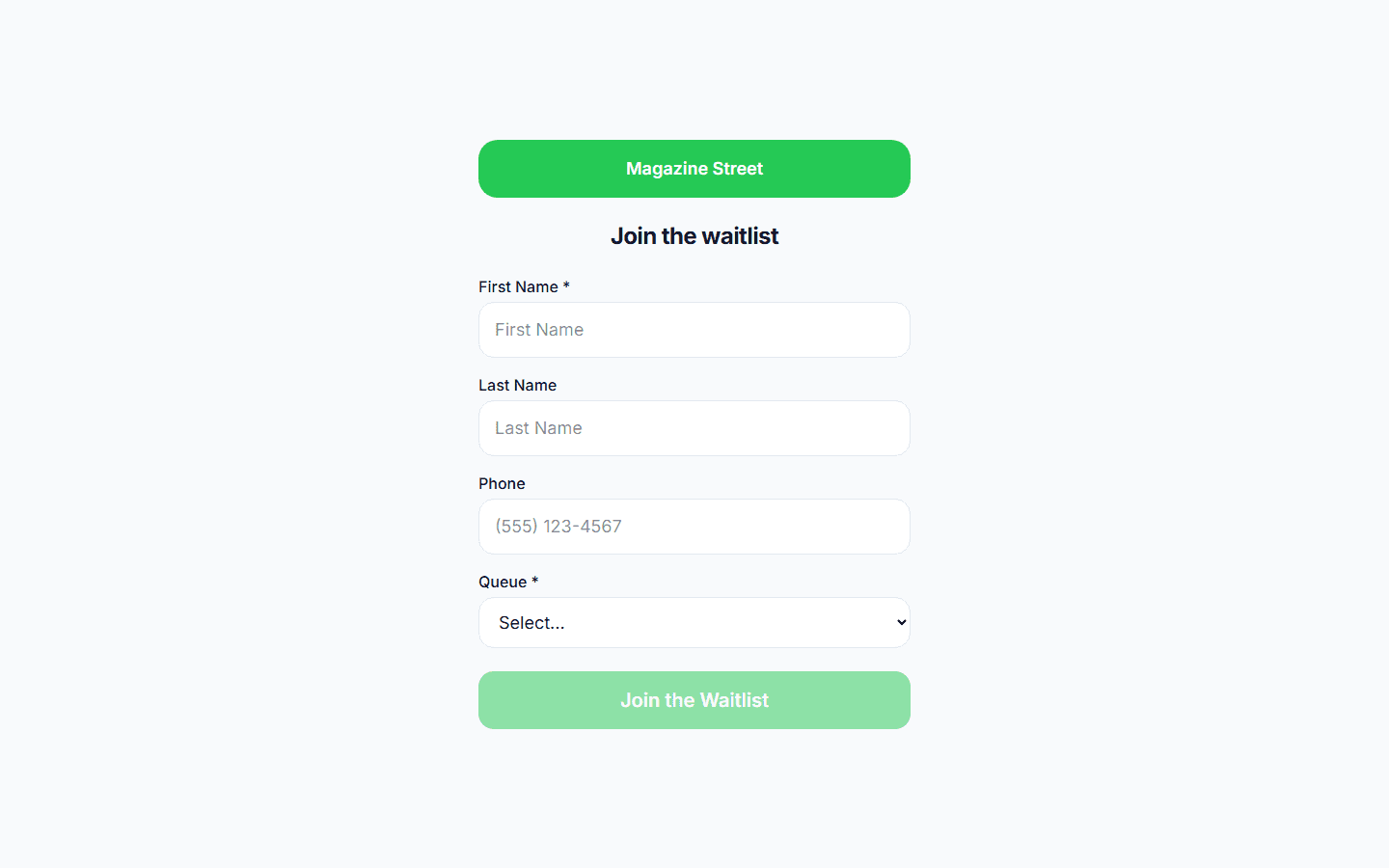
Set up a tablet at your host stand running kiosk mode. Guests check themselves in (party size, name, phone number) without tying up the host. The kiosk resets itself after each check-in and works on any tablet: open the URL and go full screen.
Related reading
How to reduce restaurant wait times without hiring more staff
The operations side of restaurant waits: quote honestly, seat by party size, turn tables faster, run bookings and walk-ins together, and a host script.
Industry GuidesRestaurant waitlist management: the complete guide
How a digital restaurant waitlist works and how to choose one: QR check-in, table-ready texts, bookings and walk-ins on one screen, displays, analytics.
Frequently asked questions
Guests scan a QR code posted at your entrance, tap a link on your website or Google Business Profile, use the tablet kiosk, or the host adds them from the stand. They instantly see their position and estimated wait on their phone.
Yes. Guests can book ahead online, and walk-ins join the same queue when they arrive. MakeTheQueue merges both into one list so there is never a double-booking or a confused host, and the wait estimate accounts for both.
MakeTheQueue sends an automatic text when it is the guest's turn. They can reply to confirm or ask for more time. If they do not respond or show up, the host marks them as a no-show with one tap and moves to the next party. No wasted tables, no guessing.
Yes. Party size is captured when the guest joins, and the host sees it next to every name so a two-top and a party of eight are not told the same wait. MakeTheQueue does not draw a floor plan or assign specific tables; it runs the line, and the host seats from it.
MakeTheQueue focuses on the waitlist and walk-in experience. If you use a full reservation platform, MakeTheQueue handles the walk-in side. If you do not take reservations, it is all you need. The Yelp Guest Manager alternatives page compares the options for restaurants in detail.
Yes. Open the display URL on any browser-connected TV and it shows a real-time view of who is waiting and who is being seated, by first name and last initial. Guests see their position without asking the host.
See also
- Restaurant pager system, texting guests instead of handing out coaster buzzers
- Restaurant pager systems compared, buzzers, table pagers, and text alerts side by side
- Free waitlist app, what the free plan runs and where it stops
- Yelp Guest Manager alternatives, five restaurant waitlist apps compared
- NoWait alternatives, what replaced the NoWait app after Yelp bought it
- Restaurant waitlist management guide, the long version
- What a digital waitlist is, the definition
Simple pricing. Start free, upgrade when you need more.
Start free and upgrade when you need texts, appointments, or more locations. Every new account includes a full Business trial.
Start free