The barbershop waitlist that ends "how long is the wait?" calls
Customers check in from their phone, pick their barber and service, and see their live place in the chair queue. They grab coffee next door instead of crowding your shop, and get a text when the chair is free. Walk-ins and appointments sit on one screen.
No credit card required. Free plan that stays free.
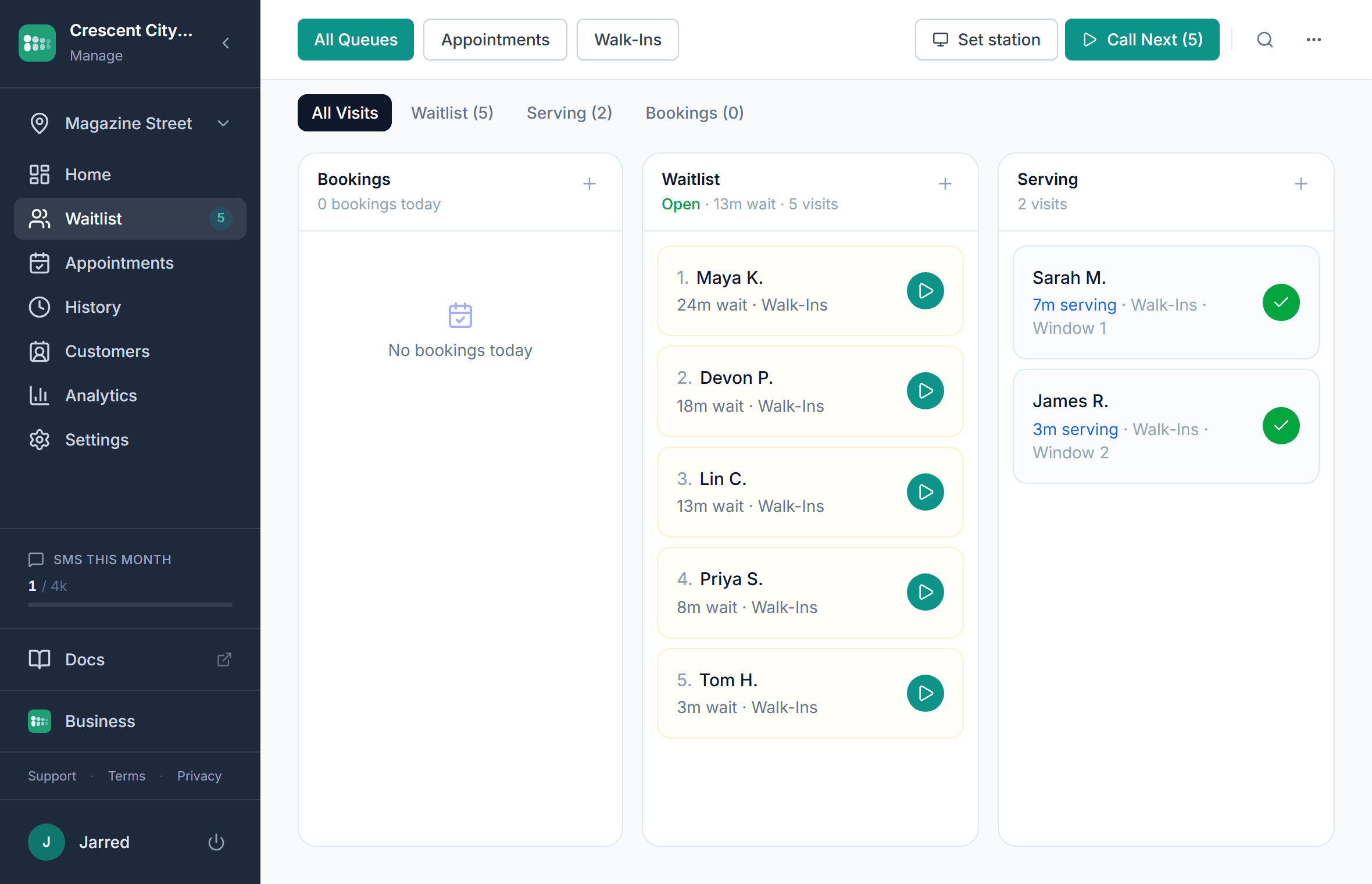
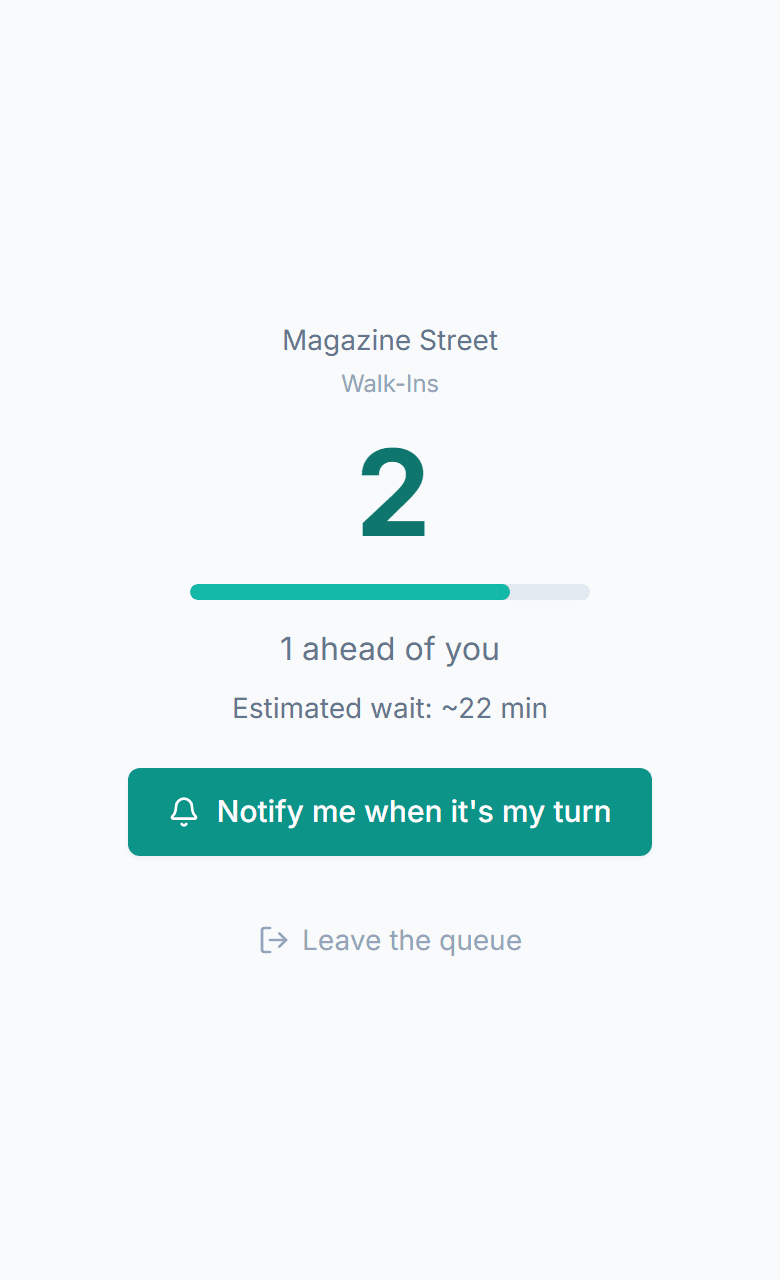
Walk-in barbershops should not run on a clipboard
Your barbers are mid-fade when the phone rings. Someone walks in, sees a full shop, and leaves without you ever knowing. The paper sign-in sheet has three crossed-out names and a dispute about who is next.
"How long?" calls that interrupt every cut
Your barbers stop mid-haircut to answer the phone. Callers hear "45 minutes," hang up, and try the shop down the street. You lose the client and the barber loses momentum.
Walkouts you never know about
A customer peeks in, sees a packed waiting area, and leaves. You have zero data on how many walk-ins you are losing. It could be five a day or twenty-five.
Paper sign-in sheet disputes
Names get crossed out, handwriting is illegible, and someone always claims they were here first. It is a bad look for your shop and puts your staff in an awkward position.
No way to request a specific barber
Regulars want their barber but there is no system for it. They show up, wait 40 minutes, and find out their barber is backed up while the next chair sits empty.
Does a barbershop waitlist app work with appointments?
Yes, and running them separately is usually what creates the mess. In MakeTheQueue, booked clients and walk-ins sit in one list per shop: a walk-in who picks a barber and a service is quoted a wait that accounts for the bookings ahead of them, and a booked client checks in on arrival and takes their slot. Appointments come with the paid plans; the walk-in queue, kiosk, and shop display run on the Free plan.
What changes when the queue is on their phone
$0
hardware to get started
Customers use their own phones. Your barbers use any phone or tablet with a browser, and any TV becomes the shop display.
Per service
wait estimates, not one shop-wide guess
A beard trim and a full cut are not the same fifteen minutes. Each service carries its own duration, and the estimate divides across the chairs actually working.
Under 15 min
to a QR code on the window
Create the queue, add your services, print the QR code, and you are taking walk-ins digitally before the next customer sits down.
How MakeTheQueue helps barbershops
QR code check-in
Post a QR code on your shop window or door. Customers scan to join the chair queue from their phone. No app, no account, no friction.
Preferred barber and service selection
Set each barber up as a service with their own cut times, or add a barber field to the check-in form. Customers pick when they join, so regulars get who they want and the wait is quoted for that barber.
Text when the chair is free
Automatic text when their barber is ready, and they can reply if they are running late. Customers grab coffee next door instead of sitting in your waiting area for an hour.
Shop display board
Put a TV in the shop showing the live chair queue. Everyone sees where they stand, who is up next, and the estimated wait. No asking.
Saturday rush analytics
See which days and hours are busiest and average chair time by service. Schedule your team around real demand. Analytics come with the paid plans.
Appointments and walk-ins, one list
Scheduled clients and walk-ins flow into the same queue. No double-booking, no overbooking, no confusion about who is next.
How barbershops use MakeTheQueue
Walk-in chair queue management
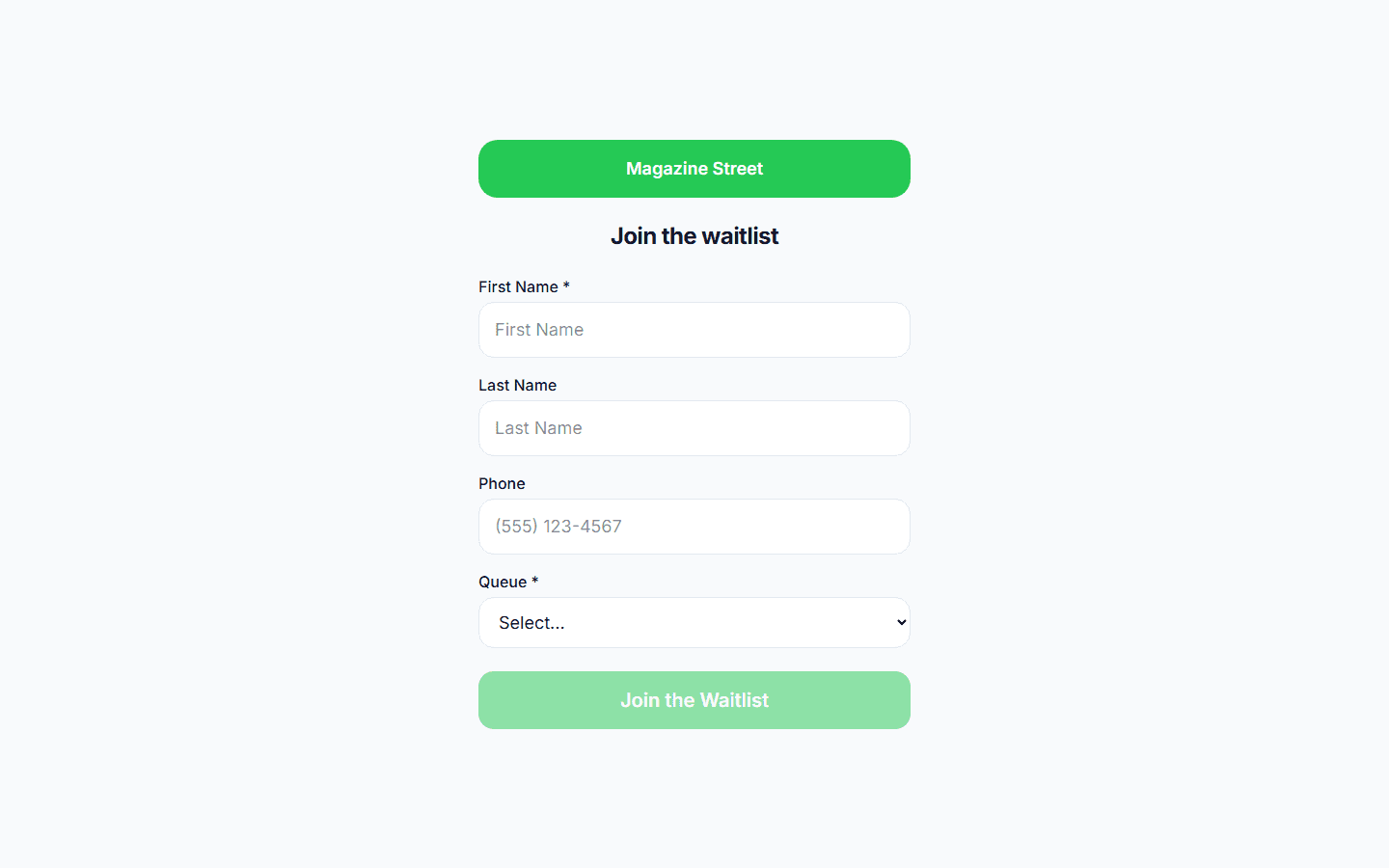
Post a QR code on your door or window. Customers scan to join the queue from their phone, pick their barber and service, and see their live position. They grab a coffee or run an errand instead of crowding the waiting area. When the chair is free, they get a text. No clipboard, no name-shouting, no disputes about who is next.
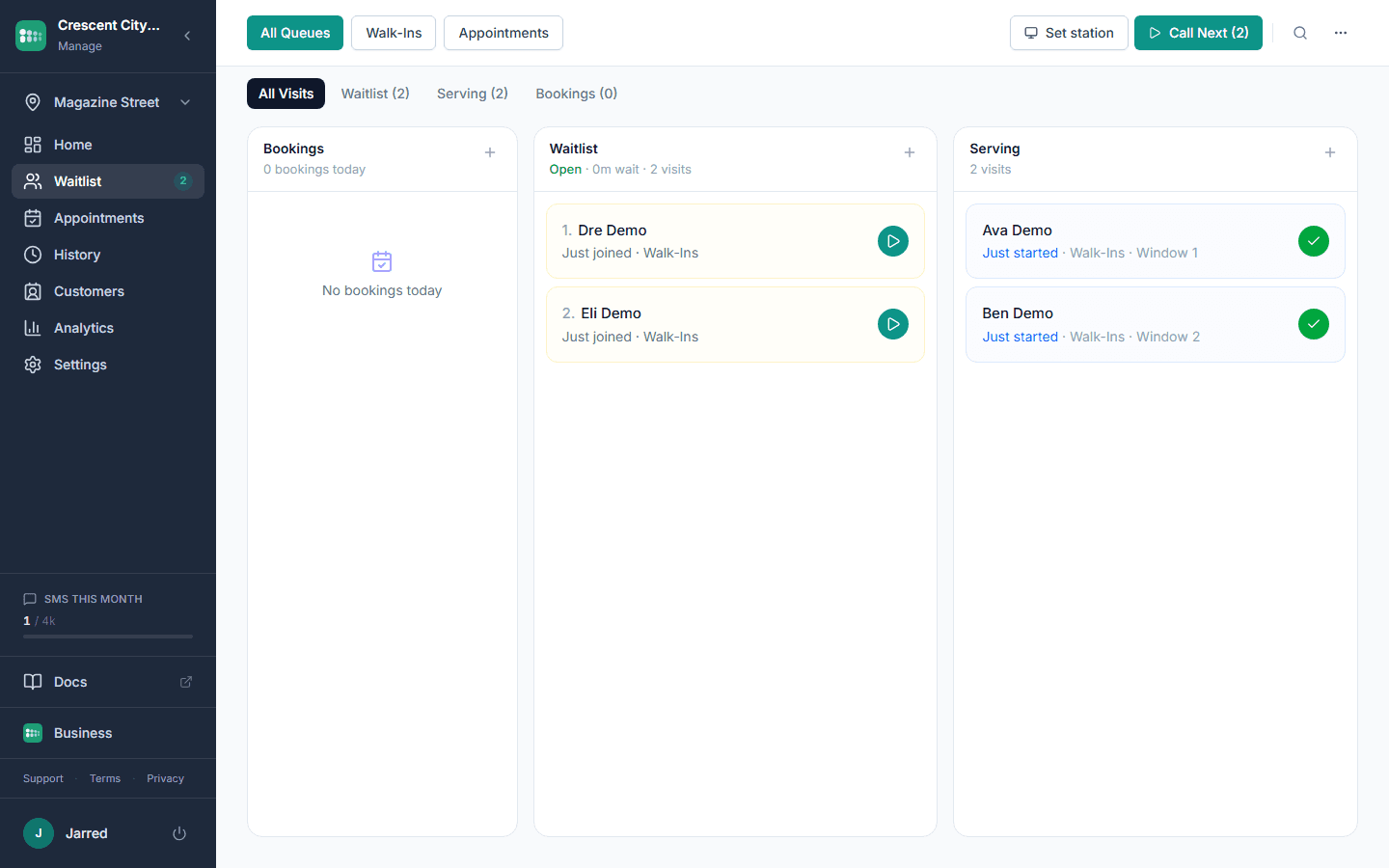
Appointments and walk-ins on one screen
Regulars book their barber online. Walk-ins join the same queue when they arrive. Your team sees one list: no switching apps, no overbooking, no awkward "sorry, he's booked for the next two hours" moments. The queue handles the merge automatically.
Self check-in kiosk at the door
Set up a tablet in kiosk mode at your entrance. Customers tap to check in, pick their barber, and select their service. The kiosk resets automatically after each check-in. Works on any tablet: open the URL and go full screen.
Frequently asked questions
Yes. Set each barber up as a service with their own typical cut time, or add a barber field to the check-in form. Customers choose when they join, and because each service carries its own duration, the wait they see is for that barber's chair rather than a shop-wide average.
You set up services with estimated durations. When a customer picks their service, the queue adds up the services ahead of them and divides by the chairs currently working, so a fade and a buzz cut do not show the same wait.
When it is their turn, they get a text and can reply to confirm or ask for more time. If they do not respond or show up, staff marks them as a no-show with one tap and the next customer moves up. No wasted chair time.
Just an internet connection and any device with a browser. Use your phone to manage the queue, a tablet for the kiosk, and any TV for the display. No proprietary hardware.
Booksy and Vagaro are appointment-booking platforms. MakeTheQueue is built for the walk-in queue, the part those apps ignore, and puts bookings and walk-ins on the same list. If you run a walk-in shop or a hybrid, MakeTheQueue handles the line.
Yes. After checking in they get a live status page showing their position and estimated wait, and it updates as the queue moves. The same information shows on the shop display by first name and last initial.
See also
- Salon waitlist app, the same queue for hair and nail salons
- QR code queue system, where to put the code and what customers see after they scan
- Managing barbershop walk-ins, the math on empty chairs
- Wait time calculator, how many chairs your Saturday needs
Simple pricing. Start free, upgrade when you need more.
Start free and upgrade when you need texts, appointments, or more locations. Every new account includes a full Business trial.
Start free